
Time Blocking for Students: A Smarter Way to Manage Your Day

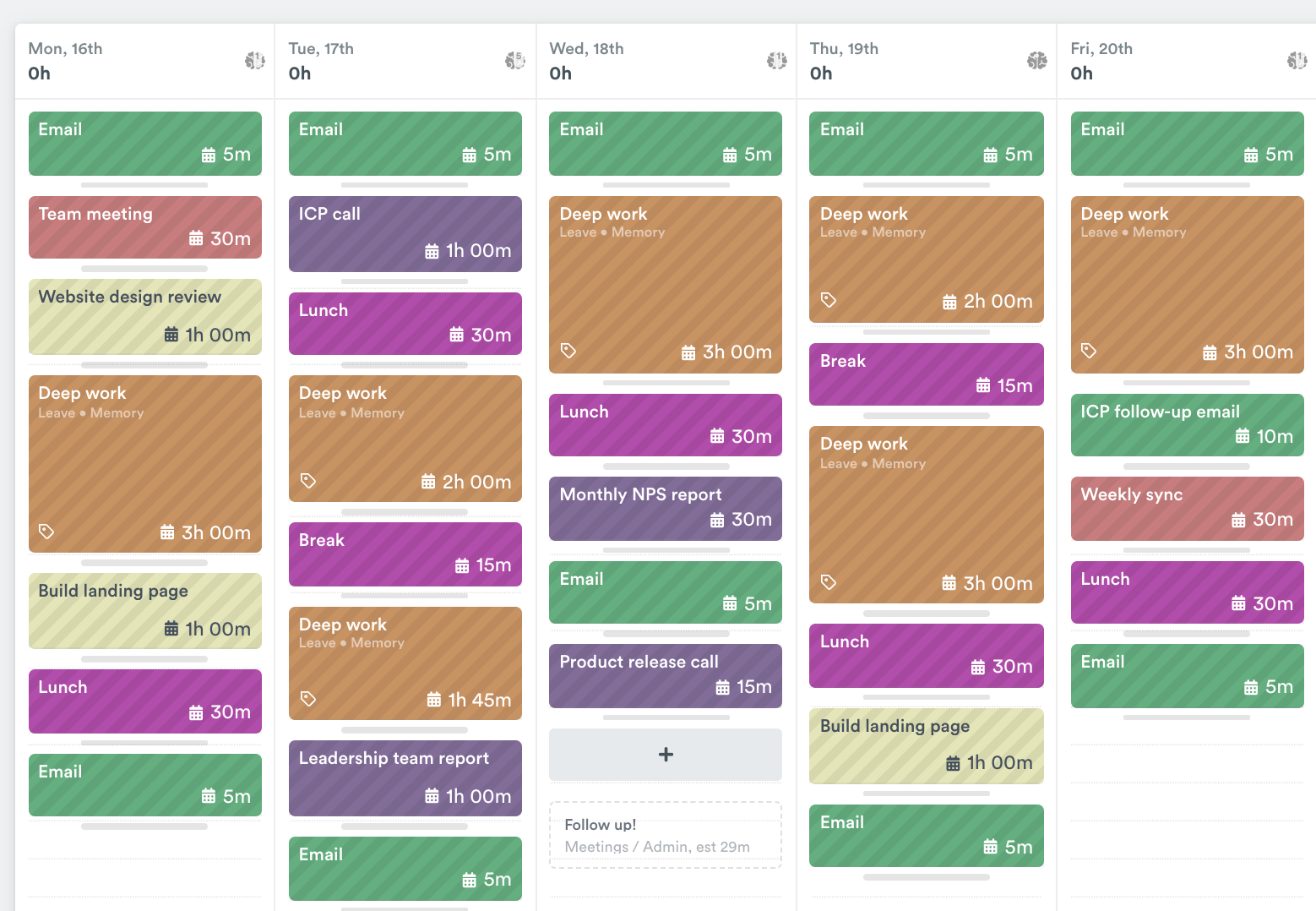
When I was a college freshman juggling chemistry labs, part-time work, and a social life that felt like a full-time job, I was constantly drained. I tried to-do lists, reminders, planners,none stuck. What finally made everything click? Time blocking.
If you’ve ever stared at a mountain of assignments, unsure where to begin, you’re not alone. That overwhelmed feeling? It’s common. But there’s a solution that’s not flashy, not complicated, but wildly effective.
Time blocking changed how I study, how I relax, even how I eat lunch. It’s a planning method where you divide your day into chunks, each assigned to a specific task. And it works wonders,especially if you’re a student tired of winging it.
Here’s what you’ll find below:
- What time blocking really means (not just the buzzword)
- Why it works so well for school, mental health, and even sleep
- Exactly how to set it up, no fluff
- The digital and paper tools that make it simple
Stick with me, and by the end, you’ll walk away with a working time-blocked schedule,and the headspace to breathe again.
What Is Time Blocking
The Concept Behind Time Blocking
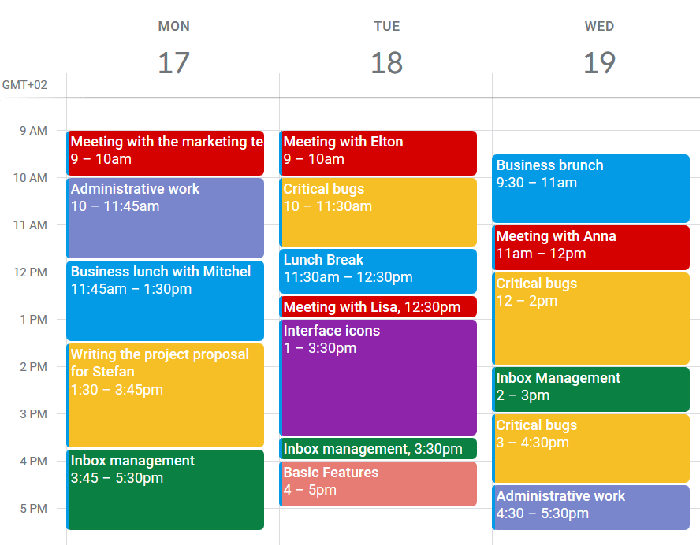
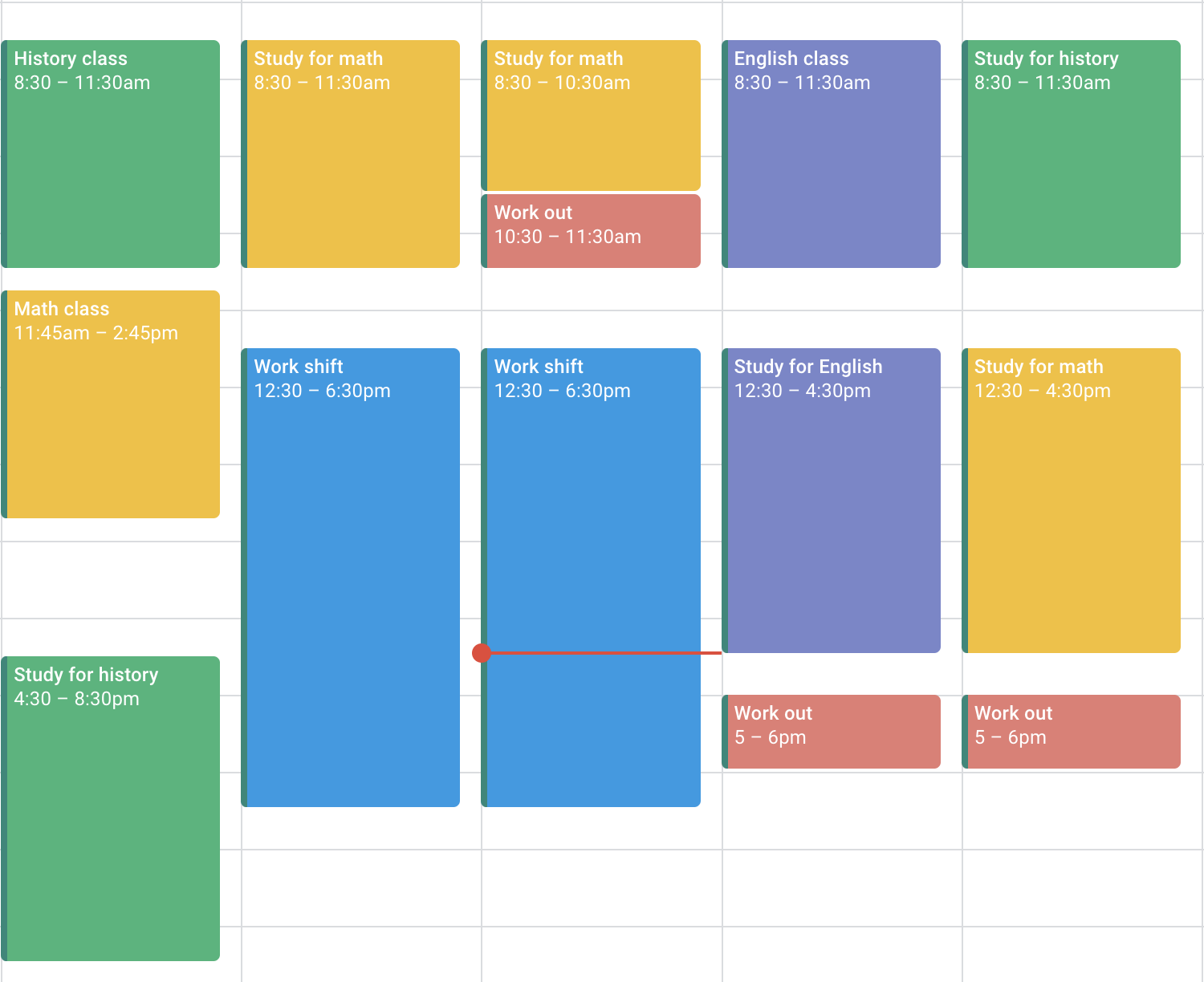
Time blocking is when you schedule every part of your day,yep, even lunch and Netflix,in actual time slots. So instead of having a long to-do list, you’ve got a calendar that tells you exactly what to work on and when. Think of it as giving every task a seat at the table.
Back when I was winging it, my to-do list would just grow longer. Now? I get more done and still have time to cook dinner. That structure gives your brain a break. No more mental juggling. Just show up, look at the clock, and do what it says.
Benefits Specific to Students
Here’s where time blocking becomes a student’s secret weapon. It makes you:
- Focus faster because you’re only thinking about one thing at a time
- Beat procrastination since every task has a set start time
- Feel accomplished even if you don’t finish everything,because your schedule shows progress
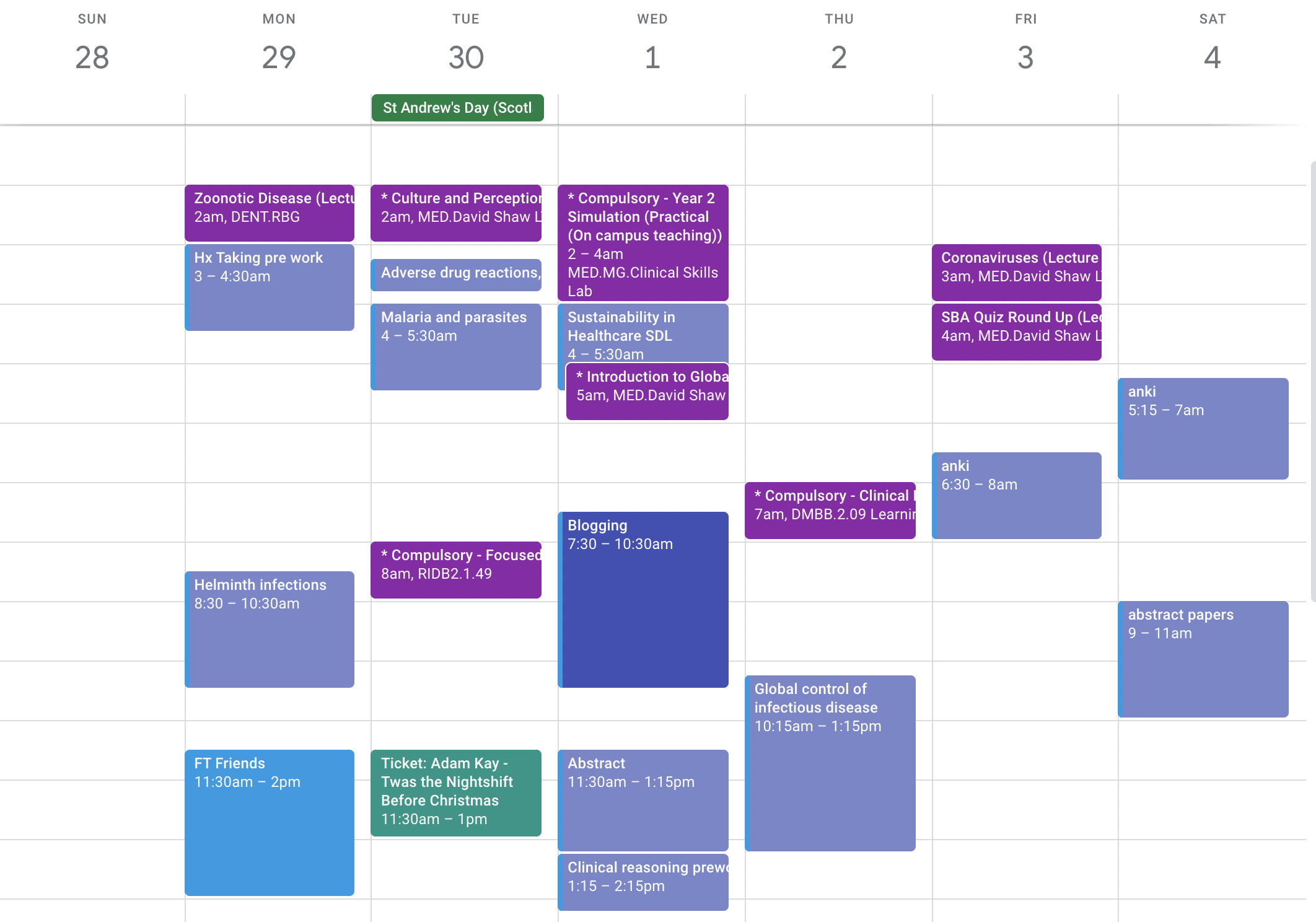
I remember during finals, instead of cramming late at night, I had blocks set for review, sleep, and even walks. I didn’t burn out. That semester? Straight As.
If you’re managing a busy mix of classes, work, and social life, check out our guide to Balancing School, Work, and Social Life for more strategies on maintaining your sanity alongside academic success.
Why Time Blocking Works for Students
Helps Prioritize Tasks
When everything feels urgent, it’s easy to panic and freeze. Time blocking forces you to make choices. I used to spend too much time rewriting notes, thinking it was “studying.” Now, I carve out blocks for practice quizzes and group calls,stuff that actually helps.
It teaches you to ask, “What’s worth my energy today?” Once that’s clear, your calendar does the rest.
Pairing time blocking with SMART goals for academic success can make your schedule even more intentional,ensuring each time block contributes to something meaningful.
Builds Routine and Discipline
Students thrive on routine,but most don’t have one. With time blocking, your day starts making sense. You wake up, you see what’s next, and you do it. Over time, that turns into rhythm. I blocked 30 minutes every night for reading,eventually, it became something I looked forward to. Not a chore.
Routine is also a cornerstone of better productivity. Learn how to start your day right with these Morning Routines That Boost Productivity.
Supports Better Work-Life Balance
Time blocking isn’t about hustle. It’s about boundaries. When I started blocking time for meals, phone calls with family, even naps,my stress dropped. I stopped feeling guilty for resting because it was part of the plan.
This is how you get your life back. Yes, you study hard,but you also go to yoga, call your mom, and sleep more than four hours. That’s the balance you need to stay sane during a full semester.
How to Start Time Blocking as a Student
Step-by-Step Setup
I started with paper, then moved to Google Calendar. Here’s exactly how I did it:
| Step | What to Do |
|---|---|
| List everything | Classes, study time, meals, chores, social stuff, sleep |
| Mark fixed stuff | Like lectures and job shifts. These don’t move. |
| Fill in study & breaks | Block 1-2 hours of deep study, then a 15 min break |
| Review weekly | Adjust what worked or didn’t. Be honest. |
For additional support, our main hub on Time Management for Students provides an in-depth look at related strategies and tools that work in harmony with time blocking.
Choosing the Right Tools
If you like digital, try Google Calendar. It’s free and syncs across devices. For something fancier, I used Akiflow when I had lots of moving deadlines. It lets you pull tasks from emails, Notion, and more into a calendar view. If you’re old-school, paper works just fine. Get a planner with hour slots.
Avoiding Common Mistakes
I made all the classic mistakes early on. Here’s what to skip:
- Don’t block 12 hours straight,it’s not sustainable
- Don’t forget breaks (yes, even 10 mins matter)
- Don’t panic when something takes longer than the block,just adjust and keep going
The point isn’t perfection. It’s focus. Show up for your time block, and you’ve already won.
Advanced Time Blocking Tips
Flexibility Within Structure
Let’s be real,no plan survives contact with a Monday. Time blocking only works if you let it breathe. Add buffer blocks between intense tasks. When I started scheduling “catch-up” time, I finally stopped feeling behind. Some people even color-code: green for personal, red for school, blue for breaks. Totally optional,but it can make your calendar feel more human, not robotic.
The best trick? Create floating blocks. They’re unassigned chunks that you can move around as needed. Life happens. You oversleep, a friend needs you, your laptop dies. You don’t need to ditch the plan,you just shift a block.
Combining With Other Systems
I also like pairing time blocking with Pomodoro,25 minutes of focused work, 5-minute breaks. It keeps me from zoning out during long reading blocks. Other friends of mine use task apps like Todoist to dump everything first, then drag the top priorities into their calendar.
It’s not either-or. The combo of task management + time blocking = chef’s kiss. Use what makes your brain chill, not spin.
FAQs
What is time blocking and why is it useful for students?
Time blocking means scheduling every part of your day into calendar “blocks”,not just meetings, but study time, meals, and downtime too. It helps students stay focused, reduce decision fatigue, and prevent overwhelm. Instead of guessing what to work on, you follow the plan.
How is time blocking different from a to-do list?
A to-do list tells you what to do. Time blocking tells you when to do it. Lists can get long and overwhelming, while blocks give structure. I used to end days with 10 unchecked boxes. Now? Even if I move a block, I know I did what mattered most.
Can time blocking help with exam preparation?
Absolutely. During exam season, I split days into review blocks, practice question blocks, and buffer space for extra topics. It keeps study time balanced and prevents last-minute cramming. I also block fun things like walks or game nights to stay sane.
What apps can I use for time blocking?
Google Calendar is free and simple. Akiflow is amazing for students juggling lots of digital tasks. You can also try Notion, Sunsama, or just use a paper planner. No wrong way,just pick one and go.
Here’s the Recap
We broke down what time blocking is (a smart way to schedule your day), why it’s perfect for students (focus, balance, no more last-minute chaos), and exactly how to get started. We also talked about tools, flexibility, and advanced tricks like Pomodoro combos and floating blocks.
If you’re feeling scattered, this system gives your brain a break. You don’t need to be perfect. Just show up, block your time, and trust the process.
I’ll leave you with this: time isn’t just something you spend,it’s something you shape. And with time blocking, it’s finally in your hands.