
How to Create a Monthly Academic Planner That Works

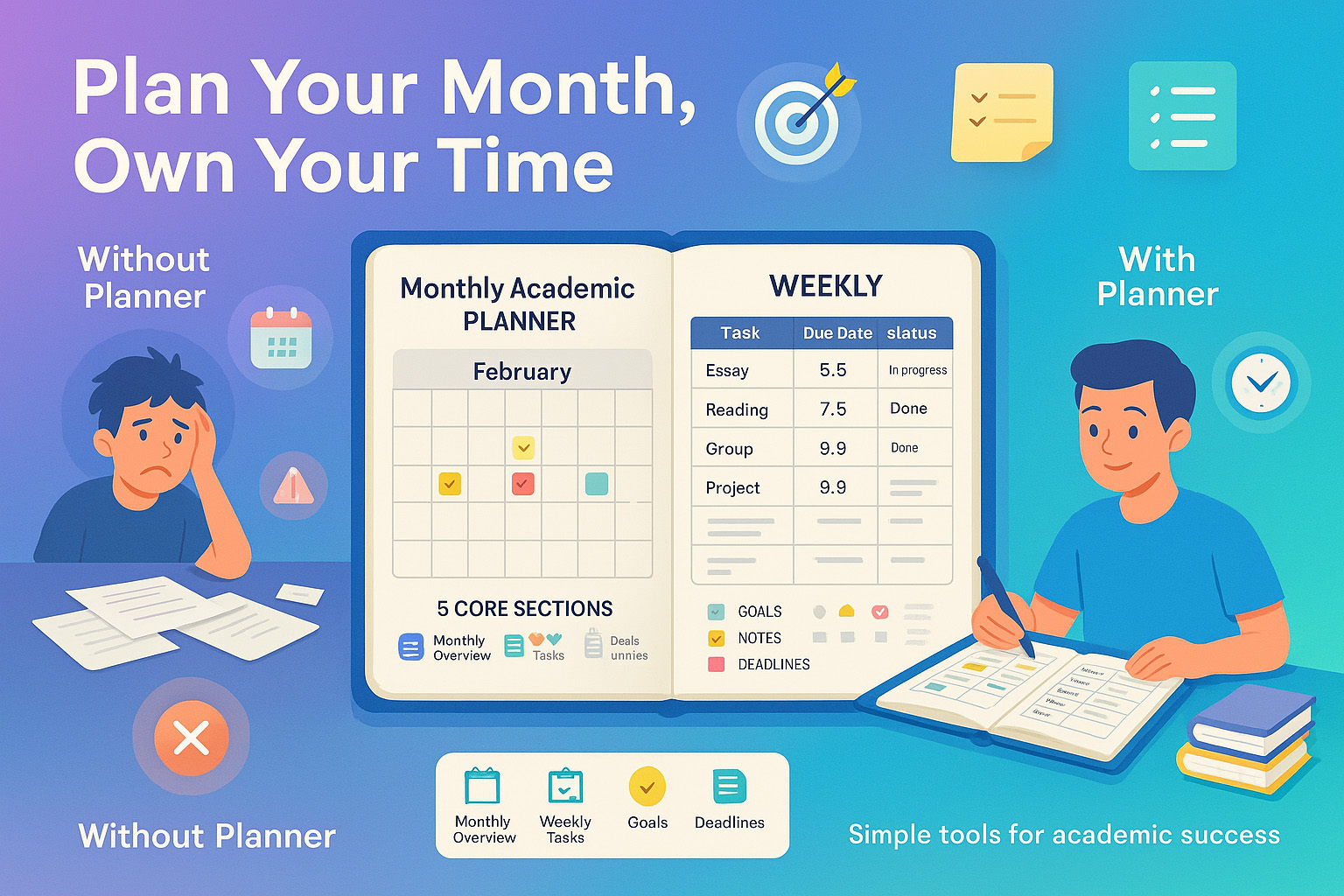
I used to be the person who forgot about assignments until the night before. Stress was my baseline. My brain just didn’t retain the big picture too many tabs open up there. Then I started something wildly simple: a monthly academic planner. Suddenly, I could see things coming, I could breathe. And more importantly? I could think.
Most of us aren’t “naturally organized.” We have lives, moods, distractions, and deadlines colliding at random. That’s why a planner isn’t a luxury it’s your anchor. And if you’ve been struggling to keep on top of everything, you might want to start with some basic time management for students strategies to pair with your planner.
The problem is, most students either don’t use one or abandon it after two weeks. The layouts are clunky, the system doesn’t match how their brain works, and no one teaches them how to actually use it to stay sane and pass everything.
This guide is here to change that.
- What every monthly academic planner should include
- The system I personally use (with tweaks from real students)
- Why week-by-week planning matters more than color coding
- Printable templates and examples you can steal
If you’re tired of scrambling or your to-do list feels like a guilt trip, this planner guide might just be the best thing you do this school year.
Why Use a Monthly Academic Planner
I used to think planners were for perfectionists. People who had gel pens for every subject. I’m not that person. But here’s what changed my mind: Students who consistently used any type of planner had higher GPAs and lower reported stress levels.
The planner gives you two superpowers: foresight and control. You get to see what’s coming, break it down, and stop reacting. That means less all-nighters and less of that awful “I forgot” feeling. If you want to make it even more effective, try integrating note-taking techniques that sync with your weekly reviews.
Academic Success and Mental Wellness
Stress isn’t just about pressure. It’s about unpredictability. Knowing when your deadlines fall can literally change your mood for the week. One of my friends told me she writes midterms in red Sharpie just so it screams at her early enough to care.
Who Should Use This Planner
You don’t need to be in university to use this. This works if you:
- Are in high school and juggling classes, sports, and a social life
- Are a college student with jobs, internships, and classes all smashed together
- Homeschool or manage your own learning goals
Components of an Effective Monthly Academic Planner
Don’t buy into those complicated 30-tab planners with stickers for everything. You really only need five core sections. I’ll walk you through them, plus what mine looks like.
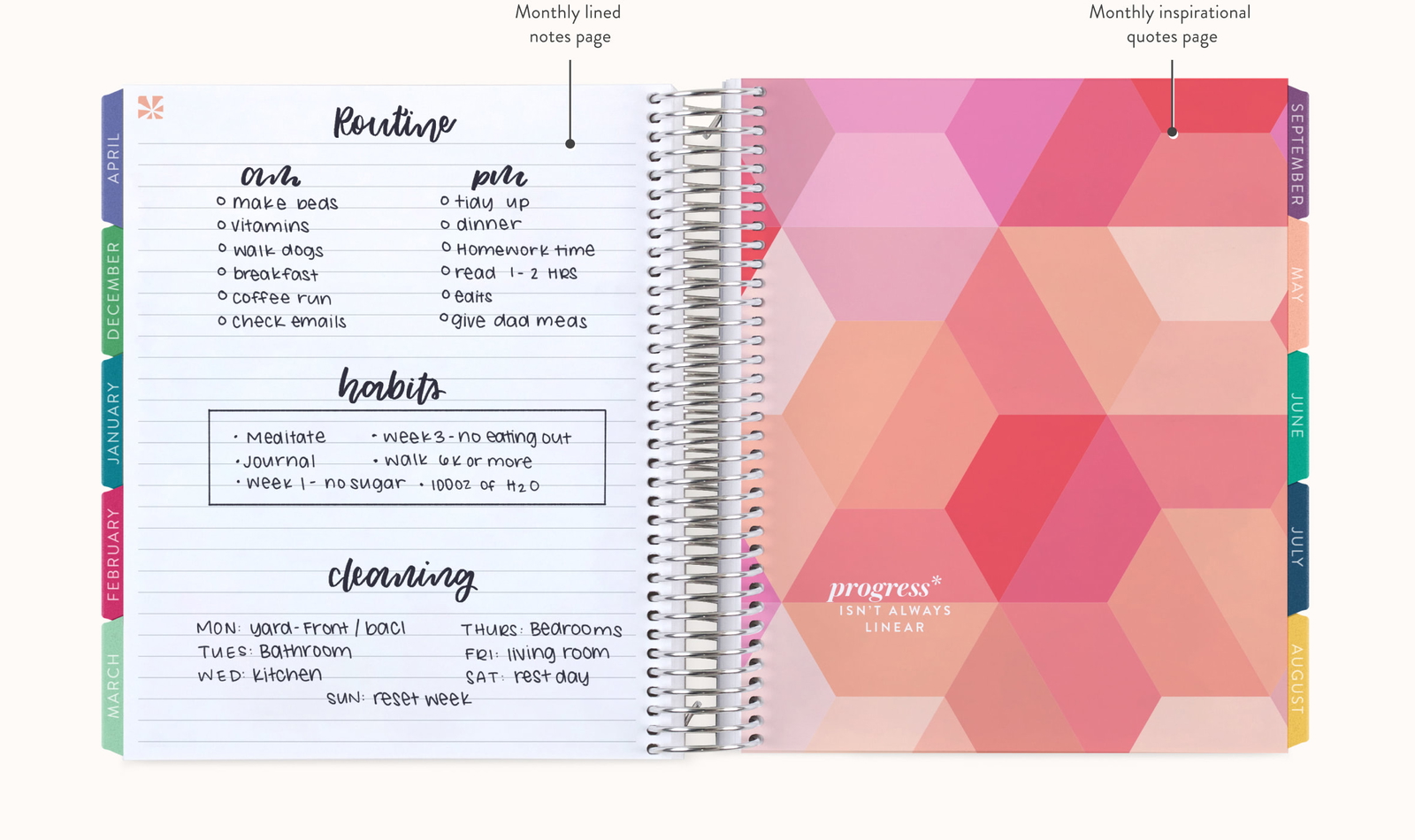
Monthly Calendar Overview
This is your month-at-a-glance. The grid with boxes. I use this to block out:
- Assignment deadlines
- Exam dates
- Group project meetings
- Breaks and personal time
I color-code exams in yellow. It’s bright and annoying. Makes me pay attention. Whatever works for you just be consistent.
Weekly Task Tracker
This is where the magic happens. Each week, I copy down all deadlines into a task grid. Mine has four columns: task, due date, status, notes.
| Week | Task/Assignment | Due Date | Status | Notes |
|---|---|---|---|---|
| Week 1 | Bio lab report | Aug 9 | In progress | Need to double-check citations |
| Week 1 | History reading response | Aug 11 | Done | Submitted on Canvas |
I check this on Sundays and Fridays. That’s my rhythm. Yours might be different. But pick a rhythm. Without one, this just becomes another empty notebook. Pair this with student productivity methods to make those time blocks actually stick.
Goal Setting Sections
Every month, I set two types of goals:
- Academic (e.g., “Start studying for chem midterm by week 2”)
- Personal (e.g., “Limit social media to 1 hr/day”)
I’ve found that when I write down the goals and see them next to the actual schedule I’m more honest with what’s realistic.
Notes and Extra Reminders
This is my “brain dump” zone. Any time I think of a question for my professor, an idea for an essay, or a quote I want to remember it goes here.
It’s also where I write little reminders like “Email group about presentation slides” or “bring snack for study group.” Tiny things that matter when life’s already full.
Step-by-Step Guide to Creating Your Academic Planner
You can’t just get a planner and expect it to change your life. You have to build a system. Mine evolved over semesters of trial, error, and a few meltdowns. Here’s how to set yours up right.
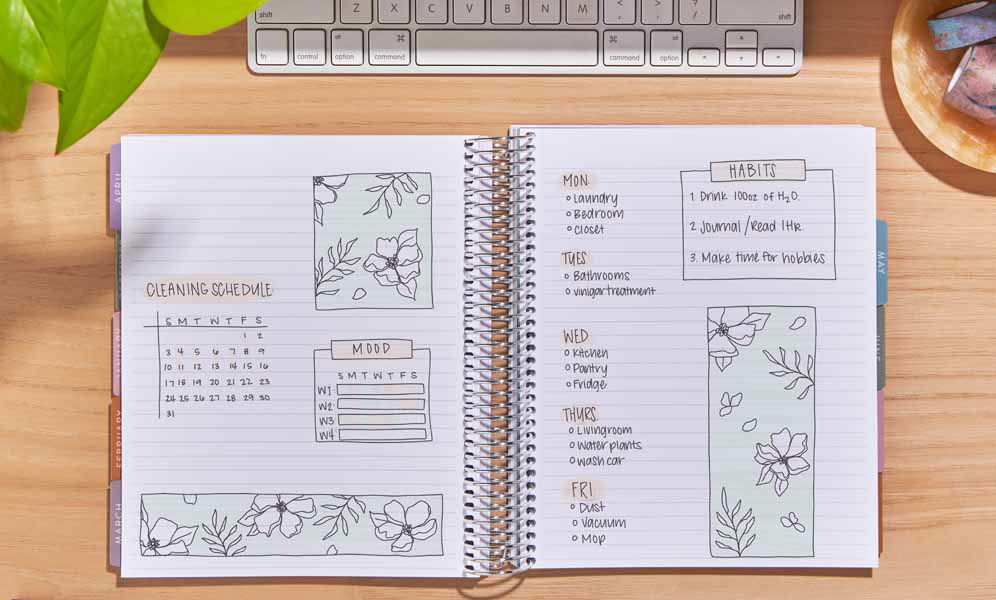
Choose a Format (Digital vs. Paper)
I used to bounce between apps and physical planners until I realized paper keeps me more focused. There’s no tabs, no notifications, no rabbit holes.
That said, I’ve seen friends thrive with apps like Notion, Google Calendar, or GoodNotes. Here’s a basic comparison:
| Format | Pros | Cons |
|---|---|---|
| Paper | Visual, no distractions, easy to customize | No reminders, can get messy |
| Digital | Auto-alerts, searchable, accessible on devices | Easy to ignore, screen fatigue |
Whichever you pick, stick to it for at least a month before switching.
Set Up Your Monthly Layout
I always start by writing the month name and year at the top. Then I block out key academic dates like midterms, major assignments, and events.
I also include my period cycle, therapy sessions, and days I work late. Anything that affects my brain space.

Fill in Important Dates First
This is the skeleton of your planner. Without it, you’re winging it.
I usually grab the syllabus from every course and go through each one line by line. If there’s a deadline, it goes in. Midterms? Marked in red. Group project presentations? Circled and labeled.
Don’t forget non-academic stuff club events, birthdays, work shifts. This gives you the big picture so you don’t double-book yourself.
Using a study environment setup that keeps your planner visible can help you remember to check it daily.
Break Down Weekly Tasks
Once the month is mapped out, I zoom into the weeks. I sit down every Sunday night and list what needs doing that week small steps, not just the final deadline. For example, if a research paper’s due Friday, I’ll split it like this:
- Monday – Research sources
- Tuesday – Outline
- Wednesday – Write draft
- Thursday – Edit
- Friday – Submit
This keeps me moving forward without panic. It also stops me from saying, “I’ll do it later” which we all know is code for “I’ll cry Thursday night.”
Tips for Maintaining Planner Use
Most students fall off the planner wagon in week two. Not because they’re lazy. Usually, it’s because the planner feels like homework itself. Here’s how I kept mine sustainable and low-key.
Weekly Reviews and Adjustments
I block 15 minutes every Sunday to sit down with my planner. That’s it. I look at what I did last week, what’s coming, and what shifted. Sometimes stuff moves. That’s life. I adjust the layout, cross things out, scribble new goals. No pressure to be pretty. Just useful.
Keeping Motivation High
Use colors if you like. Use stickers. Add quotes. Or don’t. What helped me was rewarding myself. When I completed everything by Friday, I’d order my favorite takeout. It gave me something to look forward to that wasn’t just being “done.”.
For more mental clarity, combine this habit with memory retention techniques so your study sessions stick.
FAQs About Monthly Academic Planners
What should be included in a monthly academic planner?
Your planner should include a monthly calendar, weekly task tracker, goals section, notes space, and a place to list deadlines or reminders. I also suggest having an area where you can reflect or adjust each week’s focus.
How often should I update my academic planner?
I recommend updating your planner weekly. Sundays work best for me, but any day where you can pause and plan for the week ahead is fine. You can also do mini check-ins midweek to adjust for surprise assignments or changes.
Is it better to use digital or paper planners?
That depends on how your brain works. Paper is great for visual learners and people who like tactile experiences. Digital is awesome if you want reminders, searchability, or work across devices. The key is consistency stick with whichever one fits your daily rhythm.
Recap of Key Points
You don’t need to be a “planner person” to take control of your academic life. A monthly academic planner helps you see the big picture, reduce stress, and hit deadlines without the panic. Start with a simple layout: a monthly overview, weekly breakdown, goal tracker, and notes.
Final Takeaway
This isn’t about being perfect. It’s about being prepared. A few minutes each week can give you hours of calm later. You’ll miss fewer things, feel more in control, and maybe just maybe enjoy learning a bit more.
Closing Thought
If you’re holding chaos in your head, put it on paper. That’s not weakness. That’s strategy. Grab a blank page or download a template. Your future self will thank you.